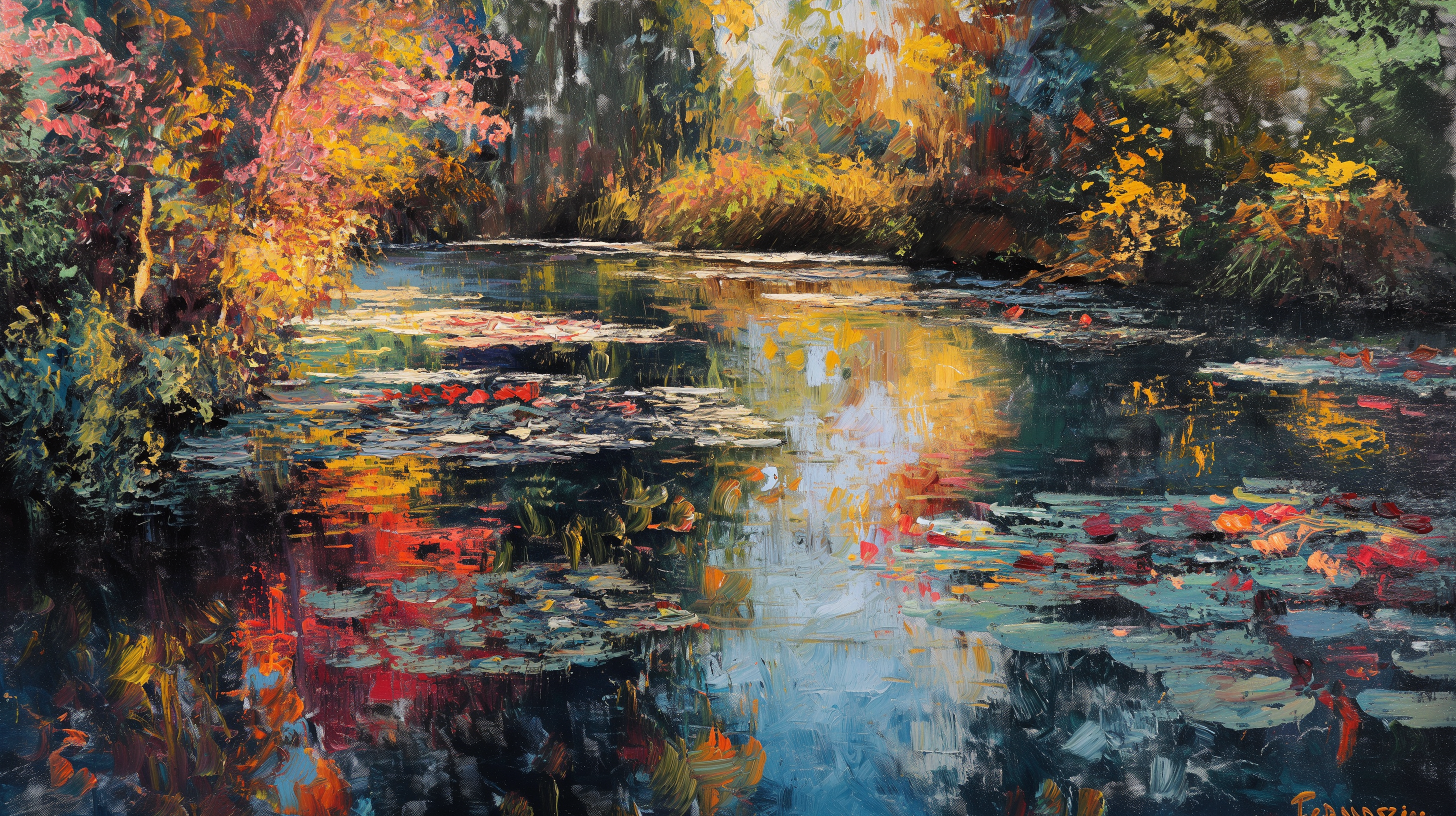
Have you ever admired the dreamy, light-filled landscapes of Claude Monet and wished you could create similar masterpieces? Whether you’re a seasoned digital artist or just starting out, follow along as we break down the process, share tips for perfecting your creations, and inspire you to bring a touch of Monet into your own artistic endeavors.
Claude Monet
Claude Monet, the visionary father of French Impressionism, forever changed the landscape of art with his innovative techniques and vibrant depictions of nature. Born on November 14, 1840, in Paris, Monet’s early passion for painting blossomed into a lifelong dedication to capturing the ephemeral beauty of light and color. His groundbreaking work “Impression, Sunrise” not only gave the movement its name but also challenged traditional artistic conventions. Monet’s enchanting series of water lilies, haystacks, and the Rouen Cathedral reveal his obsession with the play of light and its effect on perception. Despite facing financial hardships and the loss of loved ones, Monet’s perseverance and unique vision earned him a lasting place in art history.He painted until his final days, leaving behind a legacy of masterpieces that continue to captivate and inspire art enthusiasts around the globe.
MidJourney
MidJourney is an AI-driven platform designed to assist artists and creatives in generating high-quality digital artwork. By leveraging cutting-edge machine learning algorithms, MidJourney can transform text prompts into visually stunning images, mimicking a variety of artistic styles and techniques. For more AI-driven text to image platform, please check other post: “Exploring the World of AI Painting“
Prompt
You must add KEYWORD: Oil Painting and Monet in the prompt. For example:
“Beautiful national geographic view, Oil painting, Monet”
and can use rest of parameter as default one.
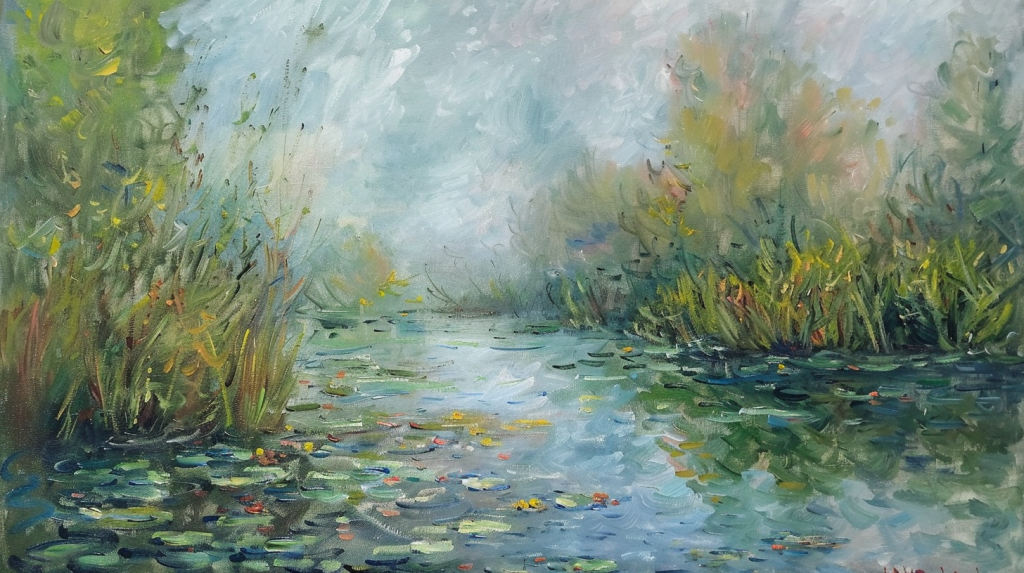
However, do not use Oil painting and Monet as a style parameter, it will gives you something not as Oil painting at all.
Enlarge/Upscale your Work
if you choose Version 5 on MidJourney, you could upscale your work twice to around 30MB. (take 16:9 aspect ratio as example, it could be Size 3240 x 2160 pixels.) However, if you use Version 6 to generate your artwork, then you could only upscale once. (take 16:9 aspect ratio as example, it could be Size 1920 x 1080 pixels.)
Choosing between MidJourney Version 5 and Version 6 involves some trade-offs. Version 5 excels in upscaling, allowing you to create larger, highly detailed images that are perfect for large prints and close-up views. This makes it ideal for projects requiring high resolution and intricate details. On the other hand, Version 6 offers enhanced stylization, producing more refined and artistically nuanced images that closely mimic traditional art styles. This version is perfect for artists looking for a more sophisticated and polished finish. Depending on your project’s needs, select the appropriate version can significantly impact your final artwork.
Edit and Publish
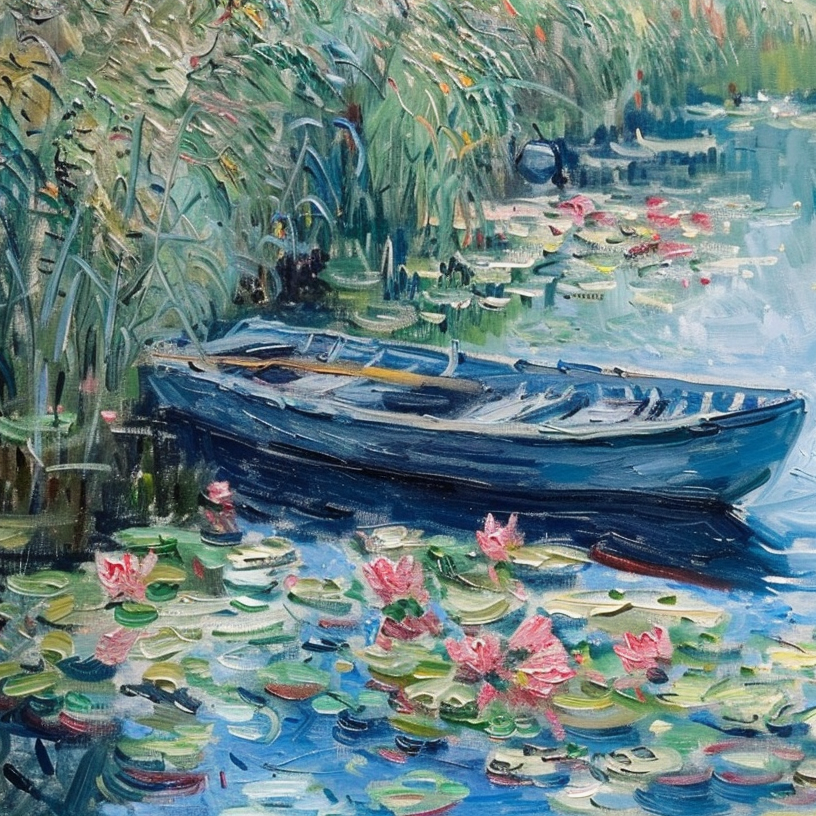
Your could use it as your TV frame as a highlight in your house (fit Samsung or other brand) or print it out. Much more cheaper than get it from an art shop. Or, if you like the paintings that I created, please visit our shop in Etsy. Monet Lotus Pond, Summertime Memory, Fall Color River is available in XXArtShop


 Xuan's Digital Garden
Leave a comment